A no-drama guide for Etsy + your own site, built to help you actually make money
You don’t need a warehouse, investors, or 10k Instagram followers to start selling digital products. You need a good offer, clean presentation, and consistency. This article turns the (long) briefing above into a practical, readable playbook you can use today.
High margins: Create once, sell forever. No shipping, no inventory.
Fast to launch: A single afternoon can produce a product that sells for months.
Scalable: Your “stock” is a file. One product can sell 10 or 10,000 times.
Global from day one: Deliver instantly to anyone, anywhere.
What actually sells (now)
Think “solve a problem in a beautiful way.” These categories consistently move:
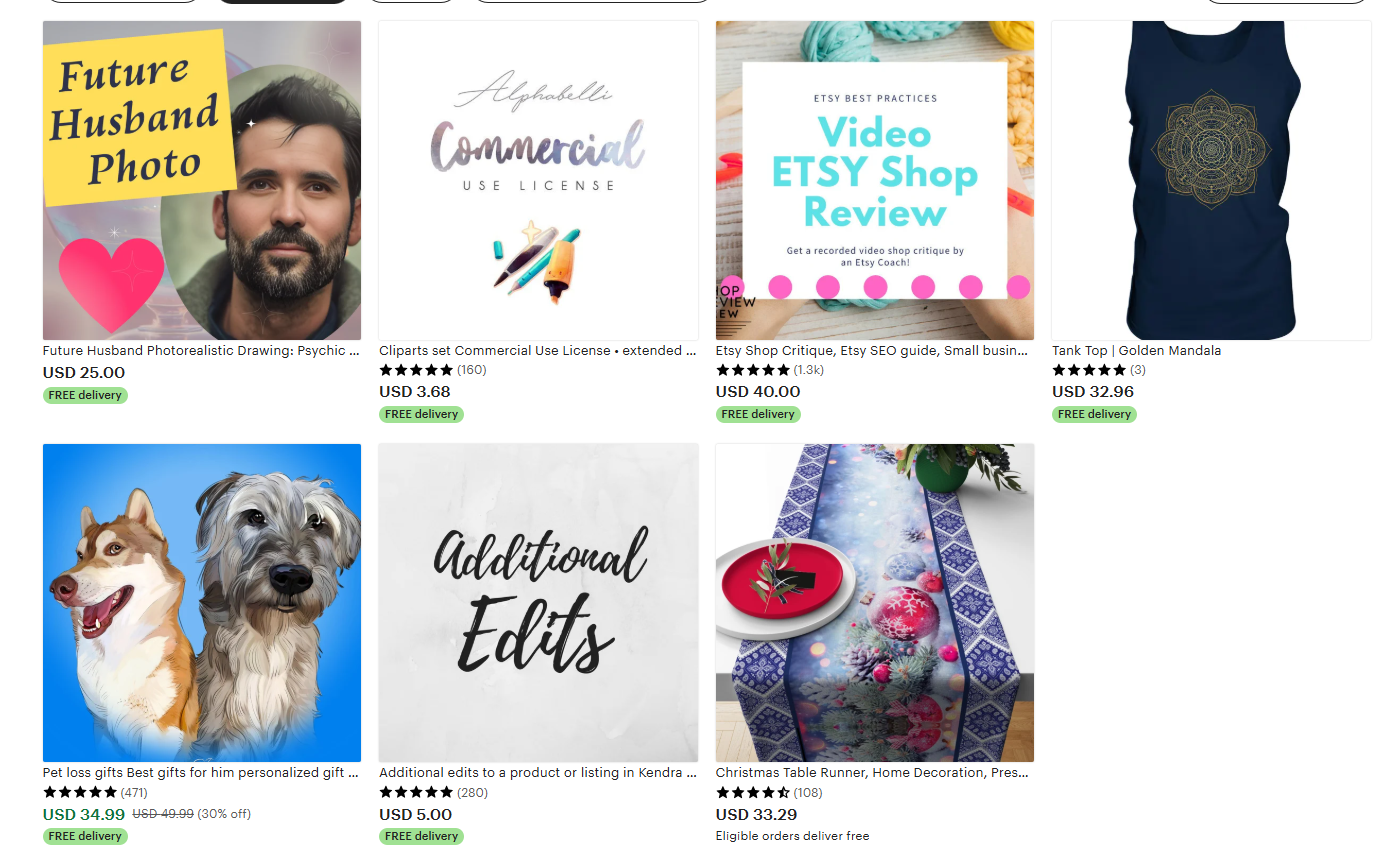
Etsy: Biggest built-in audience for printables/templates. Expect fees + competition.
Creative Market / Envato: Best for designers selling higher-end assets (fonts, themes, graphics).
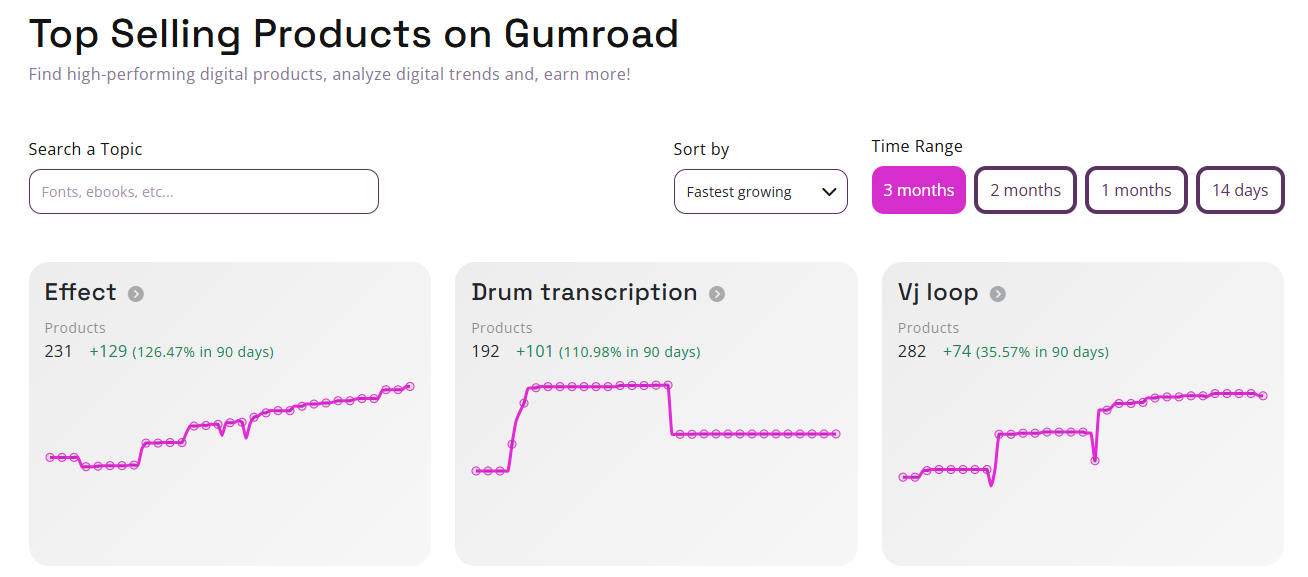
Gumroad / Sellfy: Fast direct sales pages; great if you can bring your own traffic.
Your own site (WordPress + WooCommerce or EDD / Shopify): Control, branding, better margins. Use alongside marketplaces.
Smart approach: start on Etsy (demand), build your own site (control), then mirror winners to a second marketplace for reach.
Choose a real use case and a real user:
“Student semester planner (A4/Letter) + digital iPad version”
“Google Sheets budget for freelancers (w/ tax estimate)”
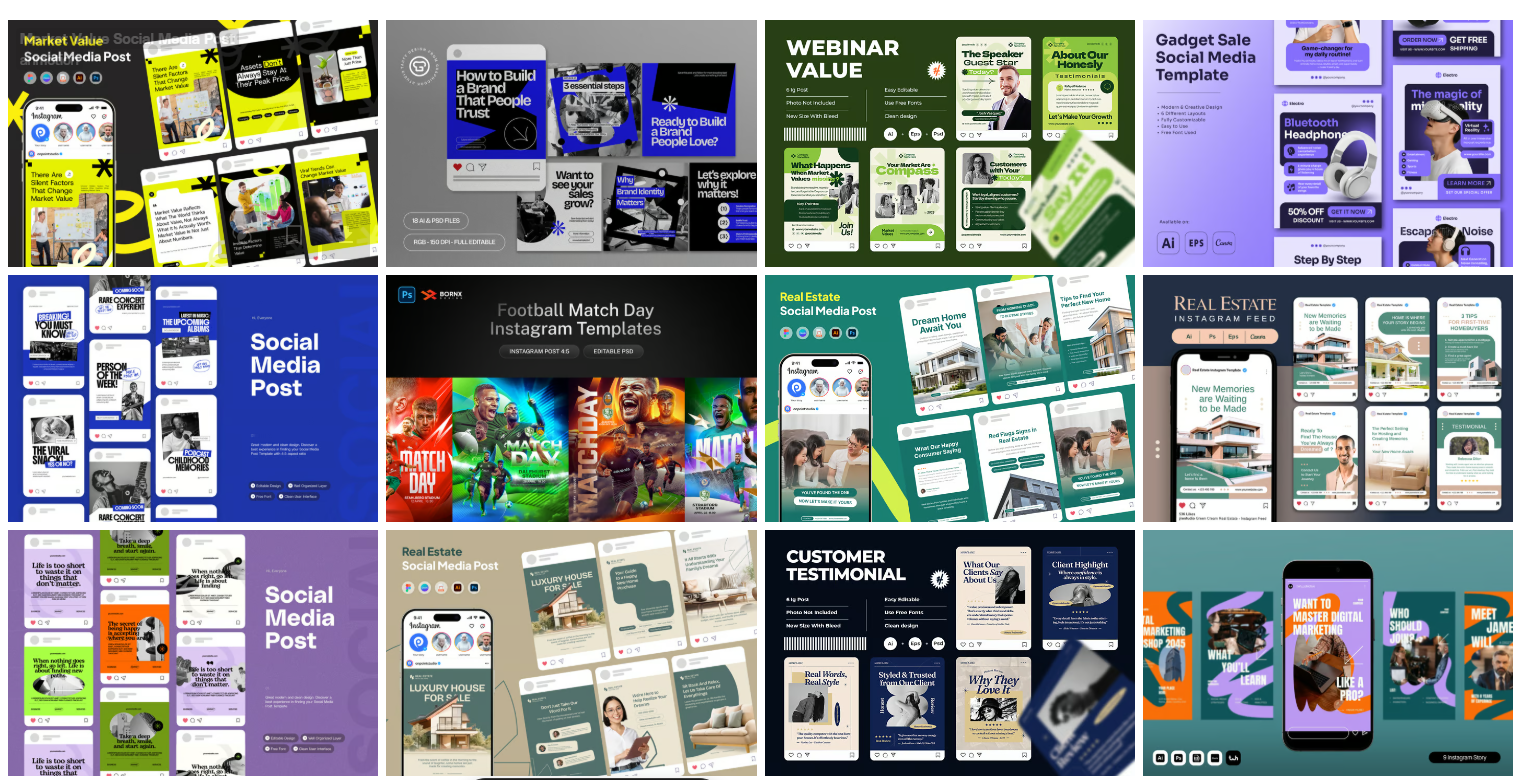
“Instagram carousel kit for hair salons”
If you can explain who it helps and how in one sentence, you’ve got a product.
Design tools: Canva (fast), Figma (precise), Adobe (advanced), Sheets/Excel (functional), Notion (dashboards).
Deliverables: PDF for printables; editable link (Canva/Figma) for templates; XLSX/Google Sheets for finance; ZIP if multiple files.
Documentation: 1-page “Quick Start” with steps, screenshots, and FAQs.
Include sizes (A4, US Letter, 8.5x11), file formats, and what’s editable.
Name files clearly: Student-Planner-2025_A4.pdf, Canva-Link.txt.
Add a terms/license file (personal/commercial use, no resale of source).
Mockups: Show the product in context—desk scenes for planners, phone feeds for IG kits, laptop shots for spreadsheets.
Video (15–30s): Flip through pages, edit a field live, show before/after.
Thumbnails: Big text, clear benefits (“Editable,” “Auto-Calculations,” “A4 & Letter”).
Title: Problem + format + target (e.g., “Freelancer Budget Template (Google Sheets) • Auto-Calculations • 2025”).
First 3 lines: Outcome, contents, who it’s for.
Bullets: What’s inside, sizes, formats, how to edit, support.
Keywords: Use buyer phrases: planner, printable, editable, template, GoodNotes, Canva, budget, invoice, etc.
Entry products: €4–€9 (impulse buys).
Core templates/packs: €12–€29.
Big bundles / commercial license: €39–€99.
Use tiering: base (€12), pro with extra layouts (€19), complete bundle (€29).
List on Etsy first.
Re-skin for Creative Market/Envato if design-heavy.
Publish to your site (Woo/EDD/Shopify) and add a simple blog page for SEO.
Create a Pinterest board and pin all mockups linking to your listing.
Week 1 — Foundation
Choose 1 niche, 2 products (e.g., student planner + matching sticker set).
Build v1 with clean design and a one-page Quick Start.
Create 6–8 mockups + a 20s walkthrough video.
Week 2 — Listings & SEO
Publish on Etsy (2–3 variants: A4/Letter/digital).
Add to your site (or Gumroad if you need speed).
Write a short blog post: “How to Use a Student Planner to Stop Missing Deadlines.”
Week 3 — Distribution
Pin 10 images to Pinterest (searchable descriptions).
Post 3 short videos on Instagram/TikTok: quick demo, before/after, speed-edit.
Offer a free mini-template for email signup (start your list).
Week 4 — Optimize & Scale
Check which keywords get views; tune titles/tags.
Turn the two products into a bundle with 15–25% savings.
Launch one new product that complements the winners (e.g., “Exam Revision Dashboard”).
Goal: first 50–100 sales. Momentum beats perfection.
Be visibly helpful
Add a “How to print” or “How to edit in Canva” PDF to every purchase.
Reply fast. Most digital “support” is clarifying downloads—have a saved reply with exact steps.
Bundle early
Offer a “Starter Pack” (planner + stickers + habit tracker) at a fair discount. Average order value matters.
Sell outcomes, not pages
Don’t lead with “36 pages.” Lead with “Plan a full semester in 10 minutes.”
Iterate in public
“Just added a GPA calculator tab—free update if you already bought.” This builds goodwill and reviews.
New-year life planner (printable + GoodNotes; Monday/Sunday start).
Freelancer finance suite (invoices, budget, tax tracker, mileage log).
Salon social kit (30 IG posts + 10 stories + 10 reels covers, Canva).
Wedding essentials set (invite, menu, seating chart, welcome sign, editable).
Notion creator dashboard (content calendar, sponsorship tracker, media kit).
Lightroom “natural skin” preset pack (mobile + desktop, how-to PDF).
Pick one, build tight, launch fast.
Anchor value: Show the transformation (time saved, mistakes avoided).
Tiered pricing: Base vs. Pro vs. Complete—clear differences.
Launch promo: 20% off for 3–5 days to seed early sales + reviews.
Bundles: Always feature a bundle on the first row of your shop.
Commercial license upsell: Extra fee for business use / editable source.
Only use assets you own or are licensed to resell.
Avoid trademarks/characters/brands.
Include a license.txt explaining personal vs. commercial use.
On your own site, set up VAT handling for digital goods (plugins/services exist).
Keep receipts/licenses for any third-party fonts, graphics, or photos you include.
Pinterest SEO
Treat it like Google for visuals. Titles, descriptions, keywords on every pin. Link to your listing. Create 2–3 designs per product.
Short demo videos
15–30 seconds: “Watch me customize this invoice,” “How this planner links monthly → weekly.” Add captions. Post to IG/TikTok/YouTube Shorts.
Email list
Offer a free mini-template. Send one useful tip per week + one product plug. Your list is your hedge against algorithm changes.
Blog basics
One post per product explaining how to use it. Embed images, link the listing. Over time, Google will send you buyers.
Flat design: Use thoughtful typography, spacing, and hierarchy.
Confusing delivery: Always include a clear “Start Here” PDF.
Too generic: Niche the use case and the user.
Underpricing: Cheap + complex = support burden. Price for the value you deliver.
Set-and-forget: Winners deserve updates, bundles, and spinoffs.
Pick one micro-niche product.
Make it premium and editable.
Craft 8 strong visuals + 1 short demo.
List on Etsy with buyer keywords.
Mirror on your site (or Gumroad).
Pin 10 images; post 3 demos.
Run a 20% launch promo for 5 days.
Ask early buyers for feedback/reviews.
Bundle it with a small companion product.
Ship one improvement within 14 days.
That’s it. Do this twice a month and you’ll have a resilient, income-producing catalog by the end of the quarter.
People don’t buy “36 pages.” They buy clarity, time, and momentum. If your product gives them those three things—and you present it clearly—you’ll make sales. Start narrow, ship fast, and keep improving. Coins follow consistency.
If you want, I can turn this into a shareable PDF and a matching one-page checklist you can hand out with the article. If you need help with PPC Ads, Creatives, Website setup - Let us know. We can help. Click here to contact us.
Get in touch for a free consultation and find out how we can help you grow.
Book a Consultation